
DexaFit Ponte Vedra App
How to Create Your DexaFit App Account
Every result from DexaFit Ponte Vedra Beach lives in the free DexaFit app, giving you secure access to all of your tests, old and new, right alongside results from any DexaFit location worldwide. Watch your numbers shift over time or pull up an earlier report, all in one place whenever you want it.
1
2
Tap “Create Account”
Launch the app and scroll down to the bottom of the login screen, then tap “Create Account”.
3
Set Up Your Account
- Enter your email address (the same one you used to book with us).
- Choose a strong password.
Password requirements
- At least one uppercase letter
- At least one lowercase letter
- At least one number
- At least one special character (e.g., ! @ # $ %)
4
Confirm Your Email
Look in your inbox for an email from DexaFit and tap the confirmation link inside to activate your account.
5
Log In and Explore
Head back to the app, sign in with your username and password, and you're set. Once inside, you can dig into:
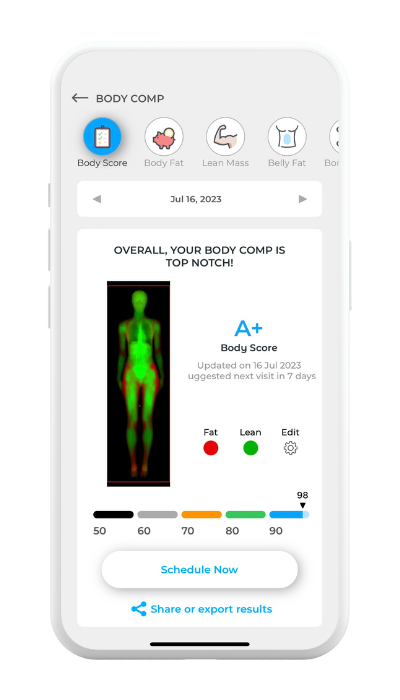
- Your DEXA, RMR, and VO₂ Max test results
- Visceral fat, ALMI, and bone density readings
- Body composition trends you can compare over time
- Cardiometabolic insights from DexaFit ai
Need help?
Hit a snag setting up your account or signing in? Send us a note at support@dexafit.com and we'll get you sorted.